See Interiors Clearly with 360° Views
Step inside your construction site from anywhere in the world. Create interactive virtual tours that let you explore every detail, measure precisely, and collaborate in real-time.
.avif)
Customer-Reported Results
5.7K
Resolution
Verify details precisely, even at a distance.
360°
Field of View
Capture more with fewer cameras
24/7
Visibility
Scheduled/ Fixed Point in time capture
Complete 360° Views
Complete 360° Views
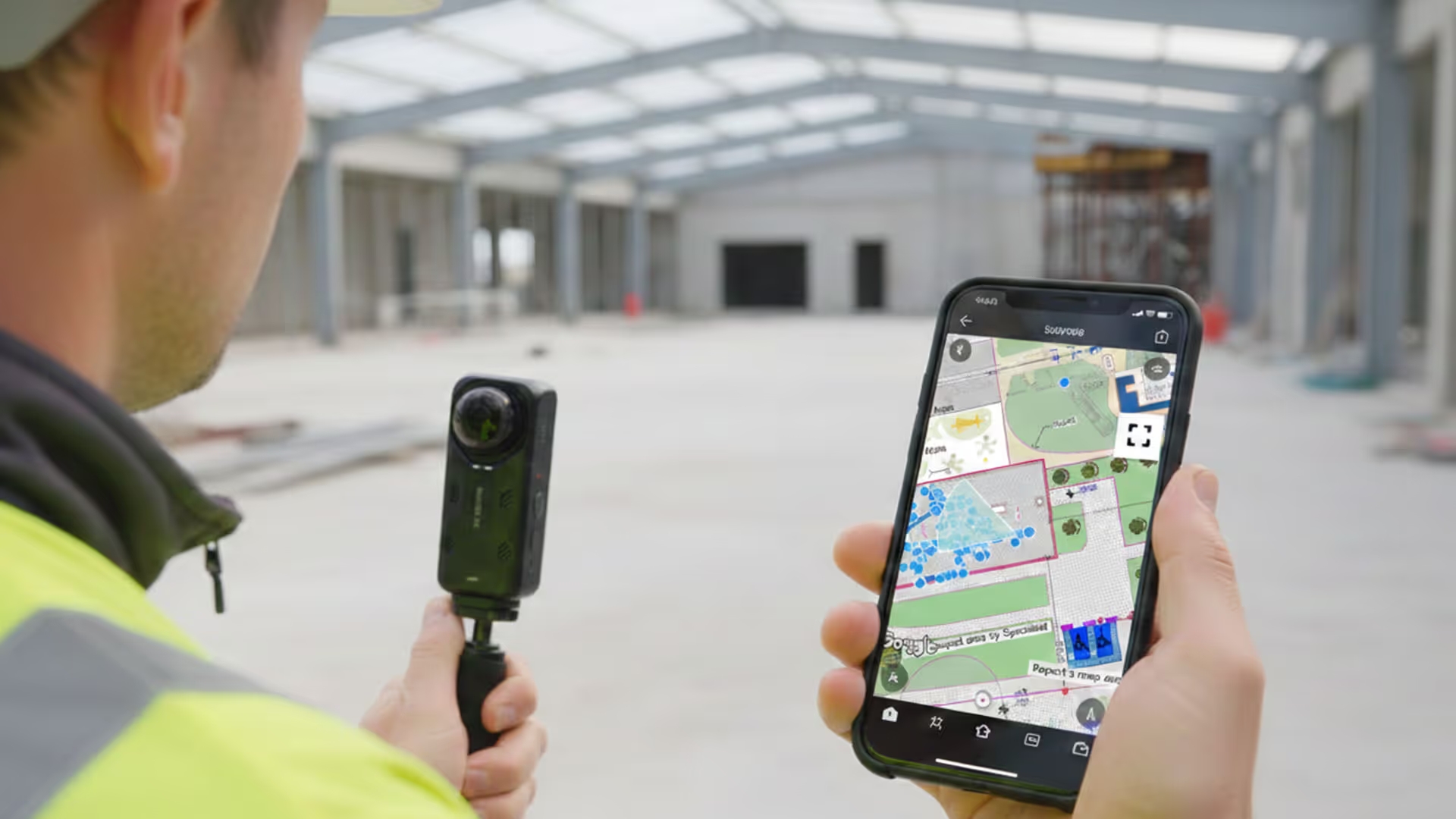
Navigate your site and make informed decisions from any location
Full panoramas
Smooth navigation controls
Mini-model and floor plan views
Easy to carry or mount on hard hat
Accurate Measurements
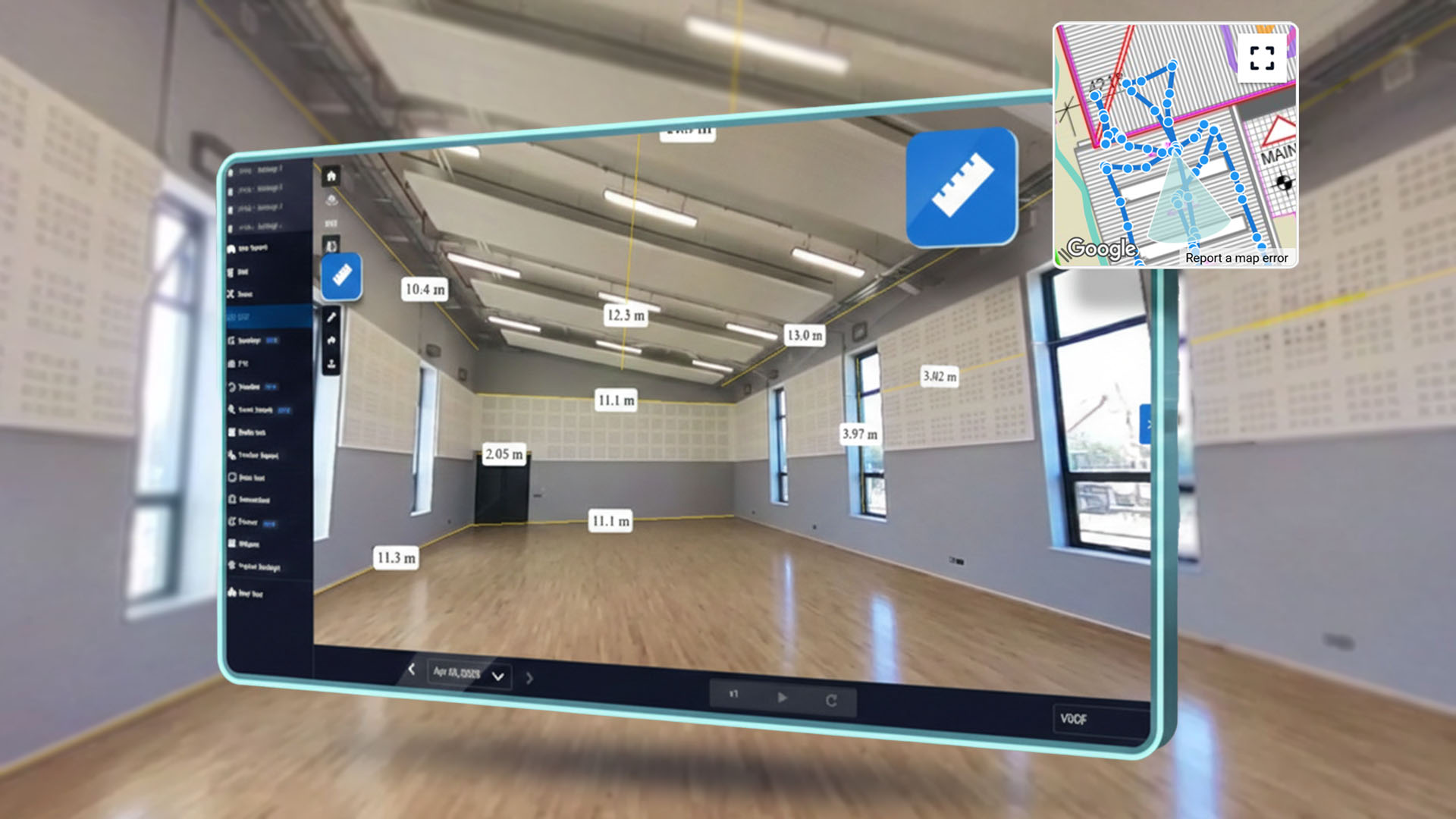
Accurate Measurements
Take precise measurements directly from your walkthrough
Point-to-point distance measurements
Scales to site measurements
Easily export measurement data
How Evercam 360° Works
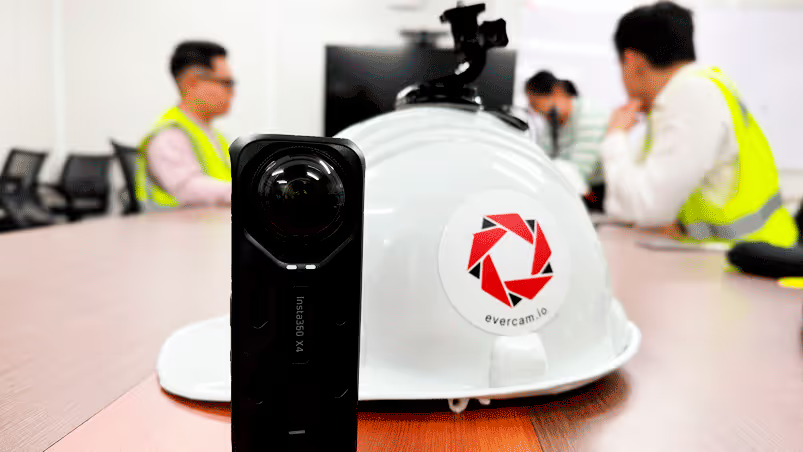
Capture The Walk
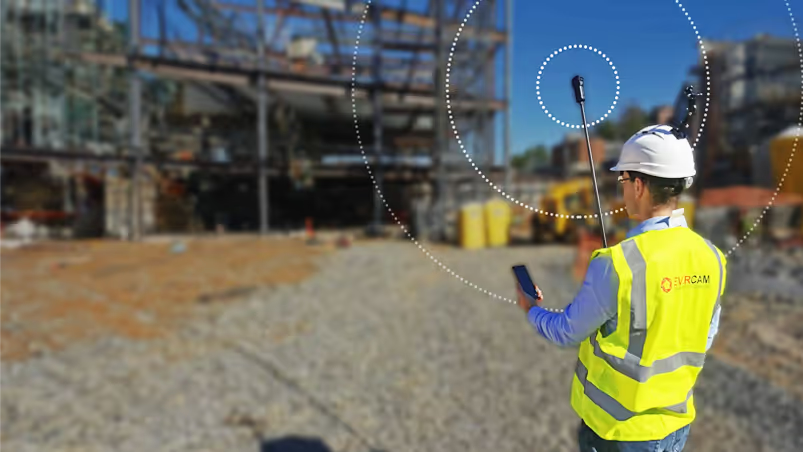
Schedule a scanning session at your preferred frequency (weekly, monthly, milestones)
Upload Video
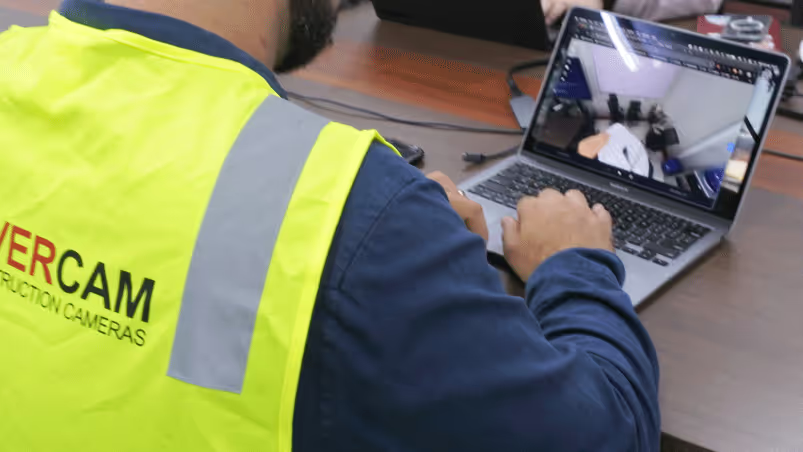
Upload your 360° videos directly to Evercam using the Capture app or the dashboard.
Process Data
Scans are processed and uploaded to the platform within 24 hours
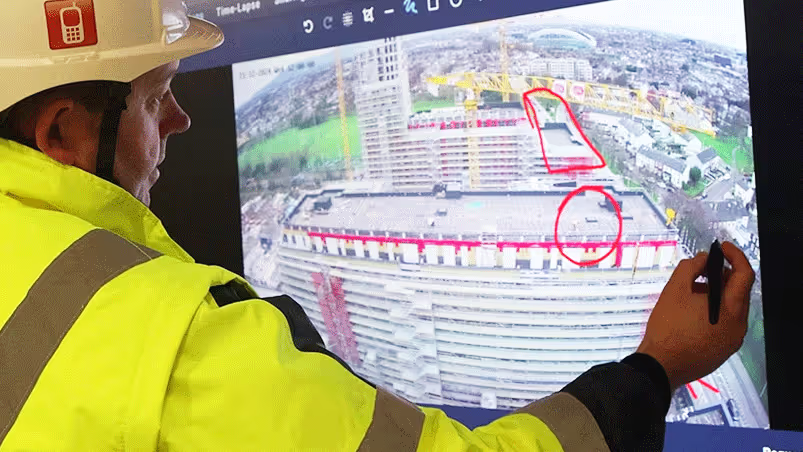
Review and Share
Navigate, measure, annotate, and share your virtual walkthrough instantly
Get the Best 360° View Features with Evercam
Comprehensive visibility lets you build smarter with fewer mistakes.
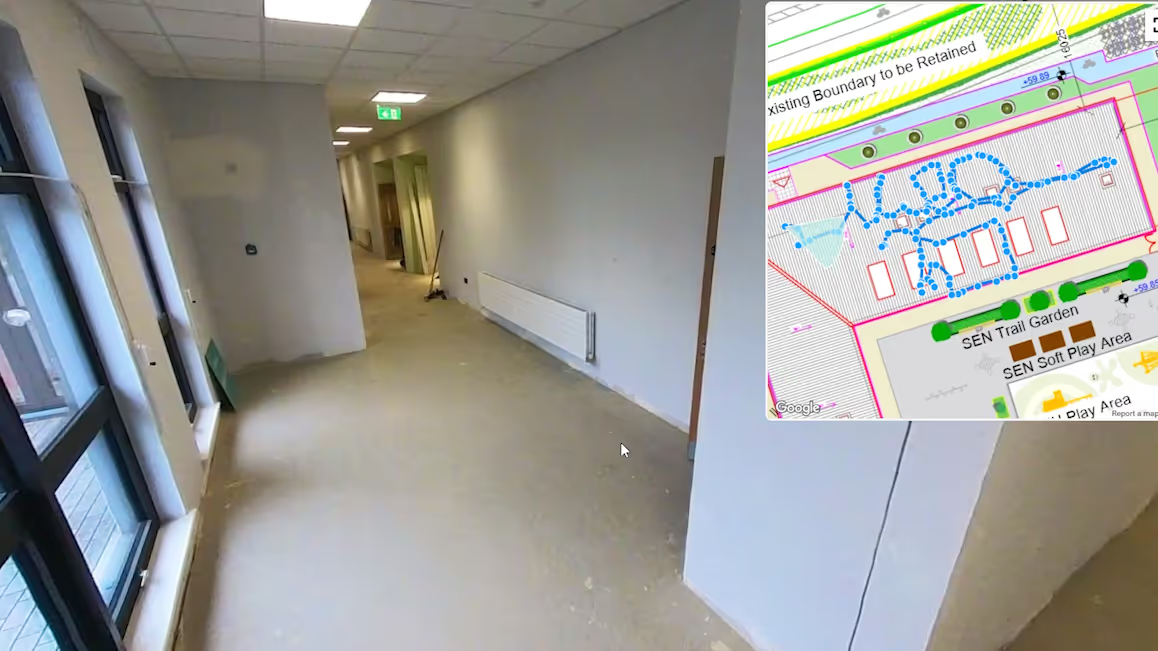
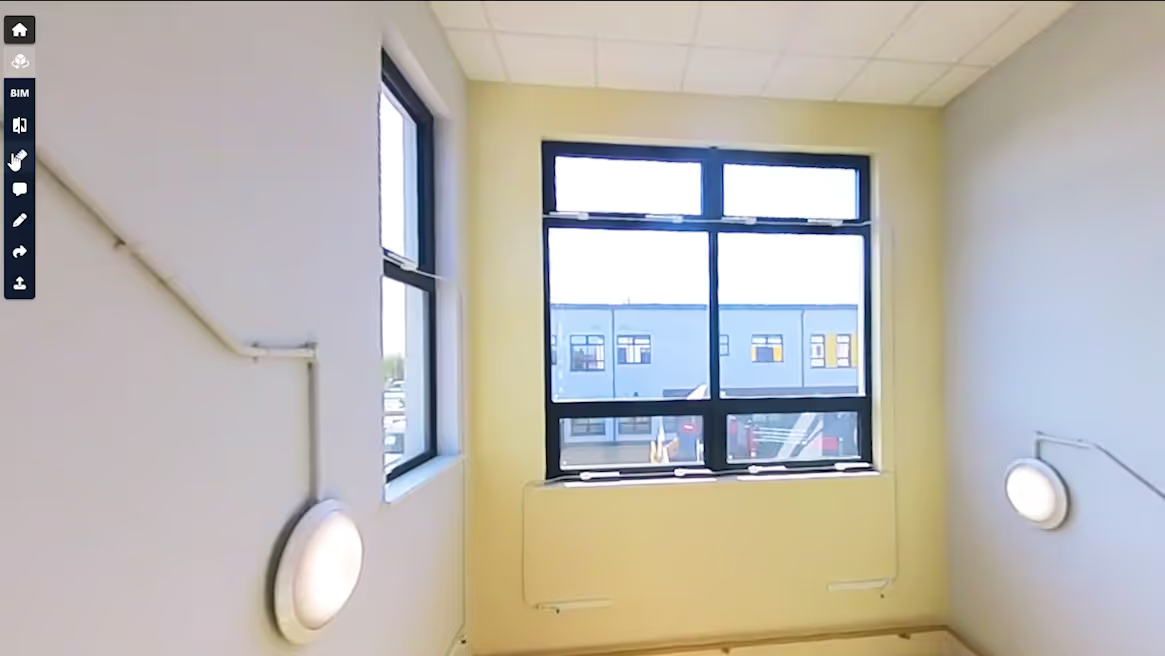
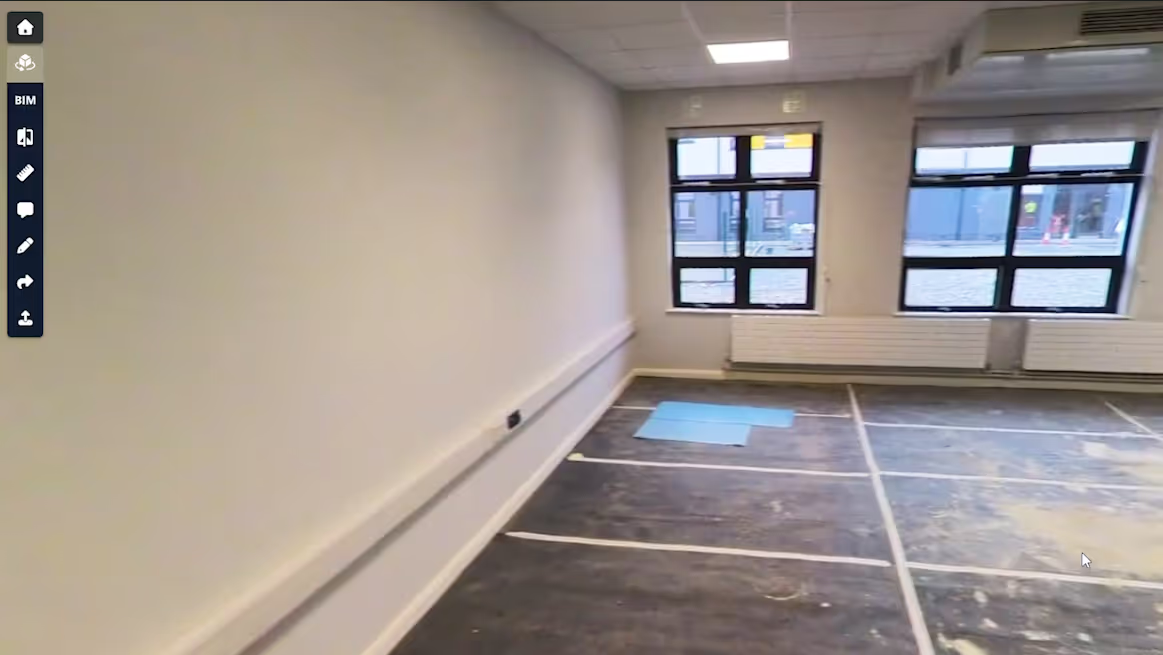
Mini Map, Date Selector, Area Selector, Play Tour.
Measuring, Compare, BIM Compare, Mini Model.
Comments, Mark-up, Upload Walk, Share Link, Mobile Capture.
Select the Right 360 Camera for Your Site
Recommended
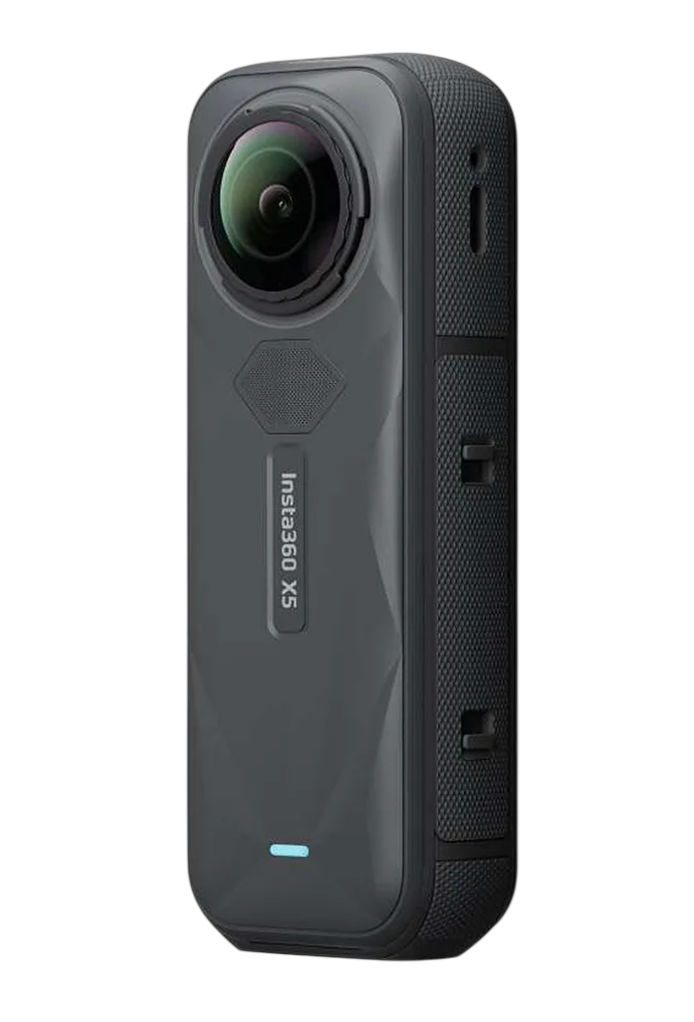
Up to 8K at 30fps (7680×3840) in 360° mode
Uses dual 1/1.28-inch sensors
Supports 72 MP stills in 360 photo mode
Dual-lens system with built-in 360° stitching hardware

Records 360° video at up to 4K (3840×1920) at 30fps
Uses dual 1.0-inch type sensors
Captures still images of ~23 MP in RAW and JPEG
Uses fixed lenses
Everything you need to understand your site clearly.

Mini Model
A 3D overview of the full walkthrough area for fast spatial context and navigation
BIM Compare
Side-by-side comparison of 360 captures against BIM models to verify installation and progress
Compare
Visual comparison of two capture dates to track changes and confirm work over time
Distance Measuring
Measure real-world distances within 360 scenes using spatial geometry recognition
Tag/Markup
Add notes and annotations directly to 360 views to document issues and observations
Blurring
Whole-person blurring applied to 360 captures for GDPR compliance
Share
Share view-specific links that preserve angle, position, and capture date
Upload
Upload 4K–5.7K 360 video files directly to the platform for processing and review

FAQs
Practical information about how 360 capture works, what it does, and how teams use it.
1. What are 360 cameras primarily used for?
Evercam 360 cameras capture interior and exterior site walkthroughs as immersive 360 views, creating dated visual records for progress tracking, inspections, and reporting.
2. Which 360 cameras and videos are supported?
Evercam supports selected Insta360 and Ricoh cameras recording standard 4K–8K 360 video files. Uploads must use original file formats and are typically processed via the Evercam Capture App.
3. Does 360 work with BIM?
Yes. 360 and BIM help teams compare planned versus actual and review progress.
4. Do you provide the camera?
No. You can purchase the latest Insta360 camera here.
We also support other approved 360 camera models.
5. How secure is the Evercam system?
Evercam is ISO 27001 certified and SOC 2 compliant, with customer data encrypted in transit and at rest and protected by strict access controls and continuous monitoring. For full security documentation and certifications, please visit the Evercam Trust Center.
6. How is 360 camera data shared and accessed across teams?
360 walkthroughs are accessed through permission-based links that open to the exact captured viewpoint, enabling consistent review across owners, contractors, and consultants without file transfers.
See Every Detail. Inside and Out
Schedule a demo and see how 360° site walkthroughs improve coordination, reduce rework, and give teams complete interior visibility.